Making a book plan — The First Year as a Team Leader
- Who A team leader in their 12th year at a manufacturing company (a fictional author and a fictional book)
- What Answers the AI's questions to make the book plan and the manuscript files
- Time About 15 minutes — recorded with the answers decided in advance, so it may take longer the first time
- Start Open PG Book Studio for the first time
-
1
Start
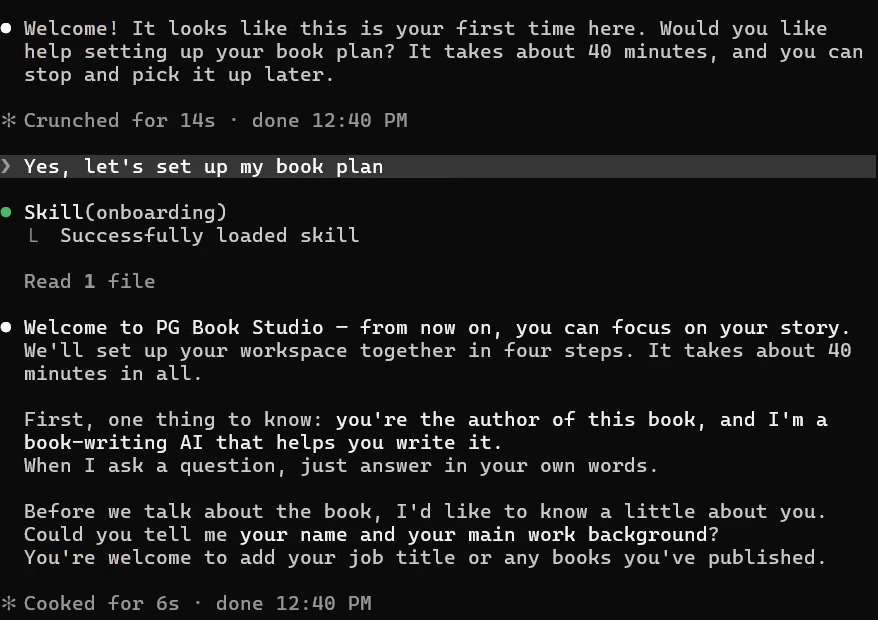
You typeYes, let's set up my book plan
ScreenWhen you open PG Book Studio for the first time, the AI offers to help you set up your book plan. When you say yes, it explains that you will set up the workspace together in four steps, about 40 minutes in all. Then it asks your name and your main work background.
-
2
About the author
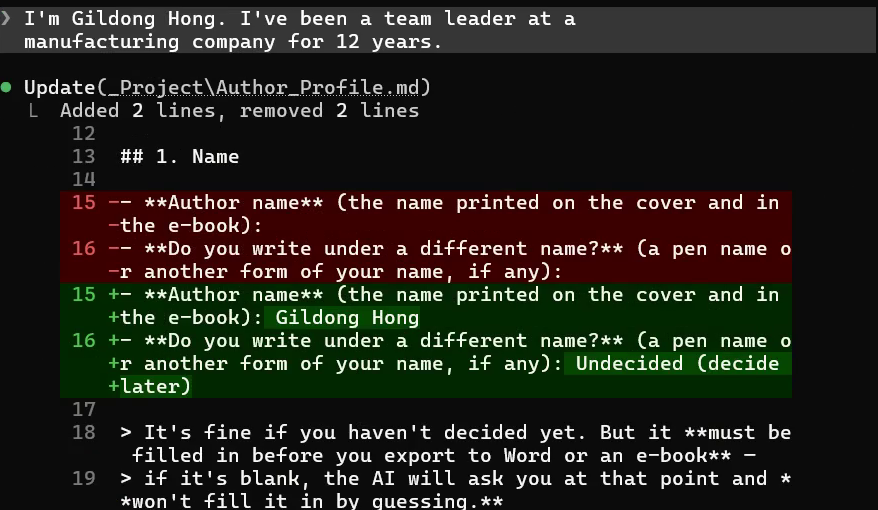
You typeI'm Gildong Hong. I've been a team leader at a manufacturing company for 12 years.
ScreenThe AI records your name in the author profile and asks for a working title.
-
3
Working title
You typeThe First Year as a Team Leader.
ScreenThe AI saves the title in your book plan and asks what the book will cover.
-
4
What the book covers
You typeThe standards a new team leader should set in the first year.
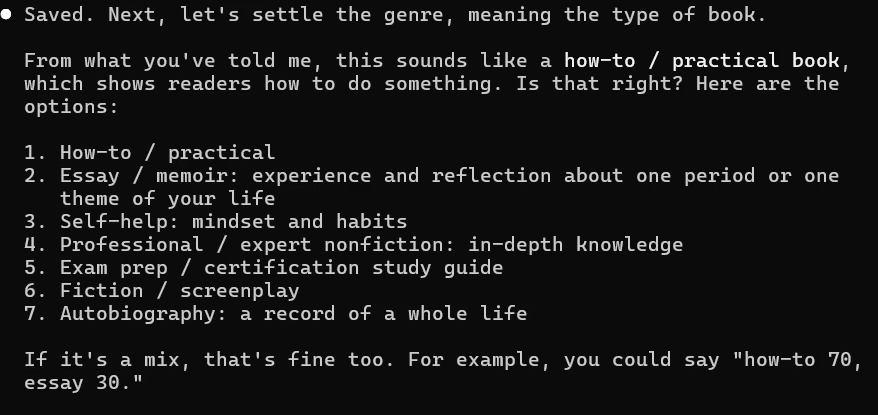
ScreenThe AI saves a one-sentence summary of the book. Then it shows seven genres and asks which is closest.
-
5
Genre
You typeYes, how-to / practical.
ScreenThe AI saves the genre and asks who you most want to read the book, and what situation they're in.

-
6
Readers
You typeNew team leaders recently promoted from within the team.
ScreenThe AI saves the reader and tells you which part it worded itself. Then it asks why you're writing the book and what readers should take away.

-
7
Purpose of the book
You typeI want them to set standards before chasing results in their first year.
ScreenThe AI rewrites the book's one-sentence summary around your core message and asks whether to use it. When you say yes, it asks about books on a similar topic and how yours should be different.

-
8
Competing books
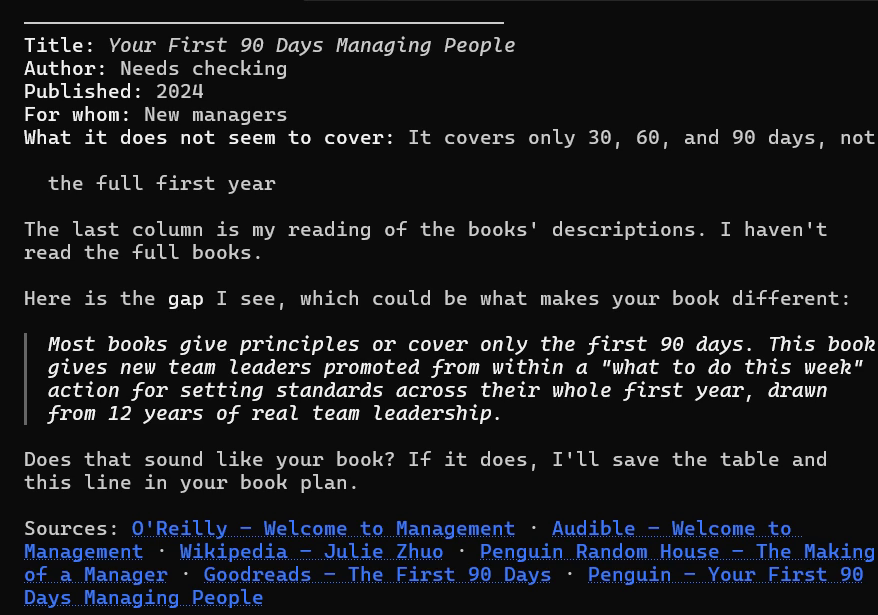
You typeNone come to mind. I'd like a book that tells you what to do this week rather than theory.
ScreenThe AI searches for real books on sale and lists them with their sources. It marks what still needs checking and suggests the gap your book could fill.
-
9
Confirm the difference
You typeYes, that's right.
ScreenThe AI saves the table and the difference in your book plan. Then it asks how your readers describe their problems in their own words.
-
10
Key words
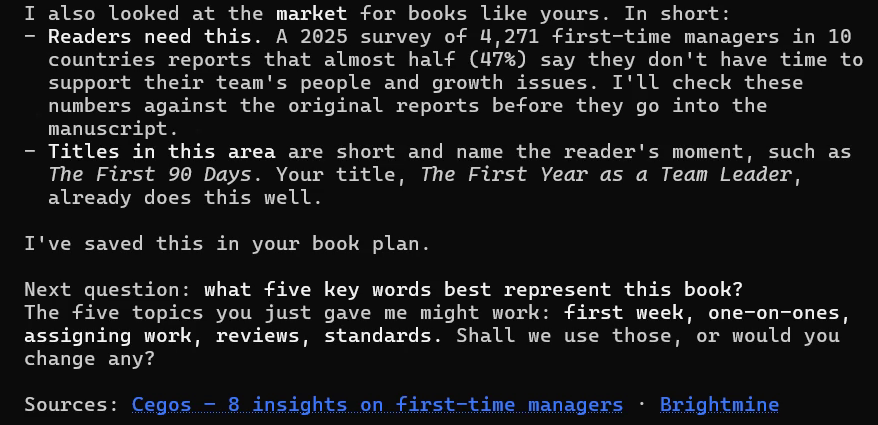
You typeFirst week, one-on-ones, assigning work, reviews, standards.
ScreenThe AI records these topics and looks at the market for books like yours, with sources. It suggests the five topics as the book's key words and asks about the length.
-
11
Length
You typeLength is about 200 pages.
ScreenThe AI records the length and drafts an outline. It also suggests ways to group the chapters into parts.
-
12
Outline
You typeThat flow works, let's go with it. (Then choose "Option A, three parts.")
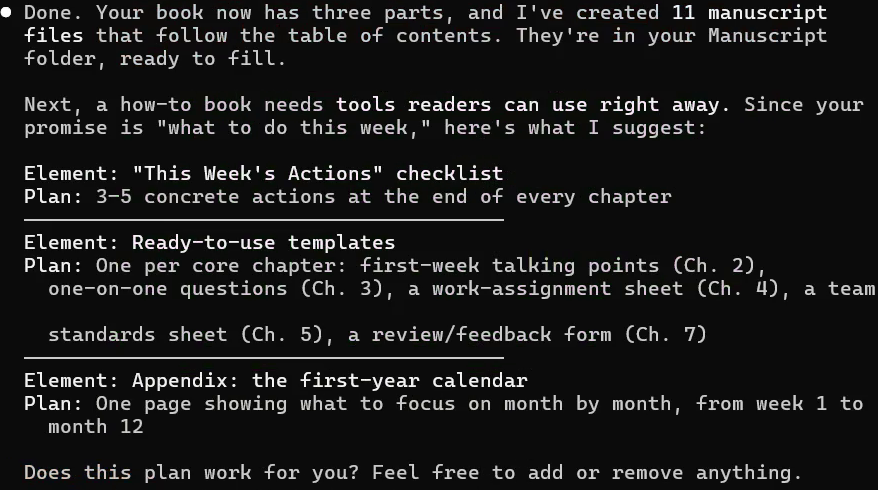
ScreenThe AI divides the book into three parts and creates 11 manuscript files that follow the table of contents. Then it suggests tools readers can use right away, such as a checklist at the end of every chapter.
-
13
Tools in the book
You typeYes, that plan works.
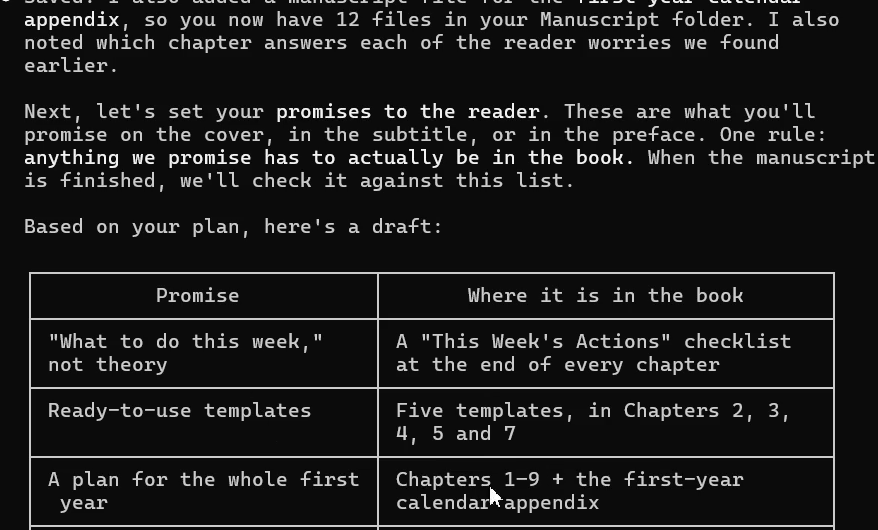
ScreenThe AI adds a manuscript file for the appendix, so you now have 12 files. Then it drafts promises to the reader in a table.
-
14
Promises to the reader
You typeYes, those promises fit.
ScreenThe AI saves the promises and asks for titles of your own experiences, aiming for 10.
-
15
Experience list
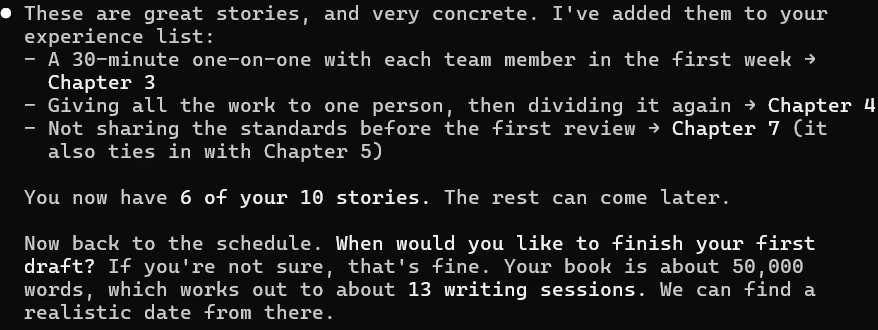
You typeI'll start with three: a 30-minute one-on-one with each team member in the first week, giving all the work to one person and then dividing it again, and not sharing the standards before the first review.
ScreenThe AI first checks that these really happened to you. It records only what you said and doesn't make up experiences. Then it adds the three experiences to the experience list, marks the chapter each belongs to and asks when you'd like to finish your first draft.
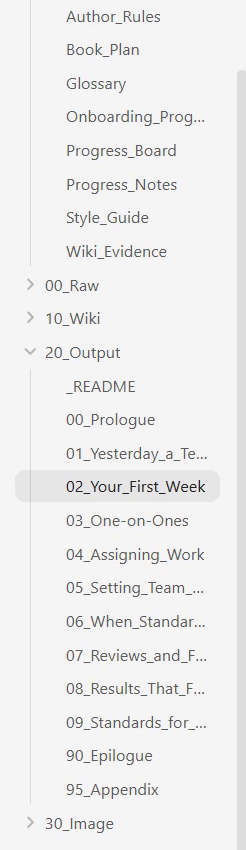
What you have at the end
- _Project folder — book plan, author profile, glossary, style guide and progress notes
- 20_Output folder — manuscript files for the prologue, Chapters 1 to 9, the epilogue and the appendix (still empty)
- Next step Set your writing schedule